DocsGetting started
Visitor and organization workflows
What an organization does once to map a building, and what a visitor does every time they navigate it.
The organization workflow
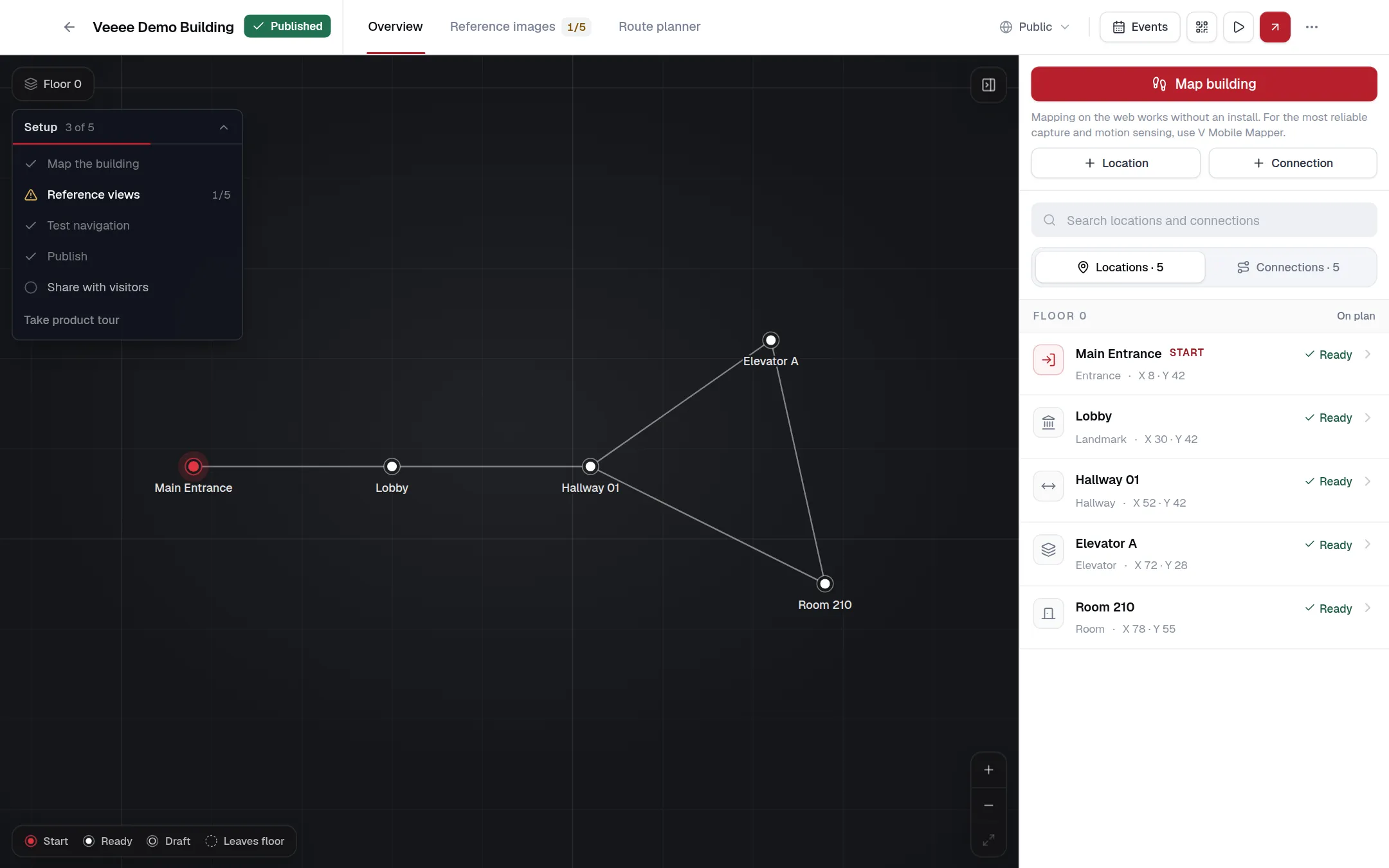
Mapping a building is a one-time setup followed by occasional upkeep. The indoor map’s Overview shows these steps as a setup checklist and ticks them off as the map progresses.
Create an organization
Register with a business email and a first owner account, or continue with Google. See Creating an organization.
Create an indoor map
One map per building. Give it a name; the description, city, country and visibility are optional. See Indoor maps.
Map the building
Walk the building with a phone using Map building, or add locations and connections by hand in the editor. The checklist needs at least two locations and one connection. See Locations and connections.
Add reference images
Give every location enough usable photos or video for camera recognition. See Reference images.
Test navigation
Plan routes in the Route planner, then walk the building with a phone once it is published as Unlisted. See Testing navigation.
Publish and share
Publish the map, set its access level to Unlisted or Public, and share the building link, location QR codes or the website embed. See Publishing and visitor access.
The visitor workflow
A visitor needs a phone with a camera and a browser. They do not install anything or create an account.
Open the building link
From a QR code at the entrance, a link on the organization’s website or the embedded widget. The page opens at
/navigate/{organization}/{building}.Name the destination
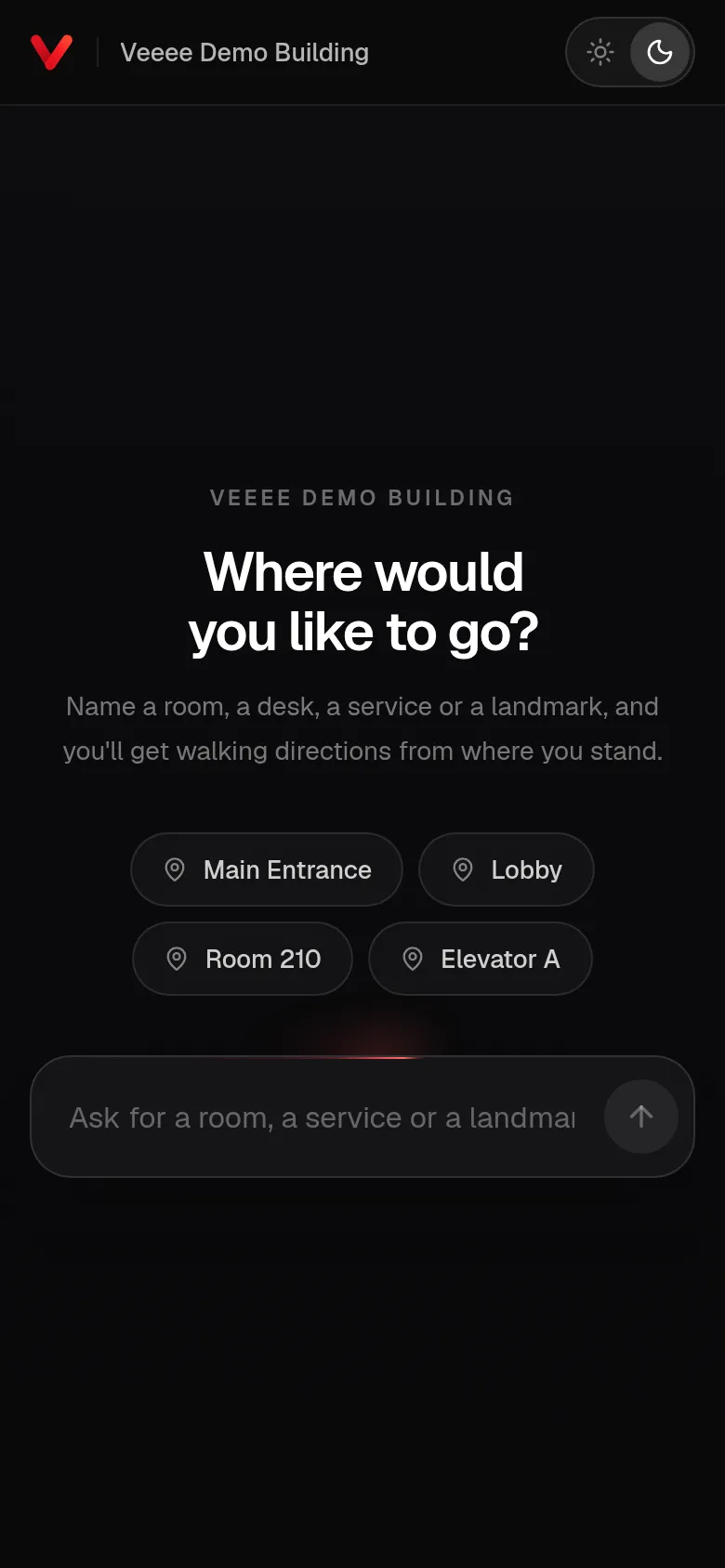
Type a room, a service or a landmark, or tap one of the suggestions. If the request is ambiguous, Veeee asks which of a few places was meant. See Finding a destination.
Start navigation
The camera opens and finds the visitor’s location in a few seconds. A location QR code skips this step.
Follow the directions
Turn-by-turn instructions on screen and, if voice is on, spoken aloud. The camera keeps confirming the position along the way.
Arrive
Veeee announces the arrival, stops the camera and offers to go somewhere else.