DocsFor organizations
Testing navigation
Check routes in the Route planner, see the simulated visitor preview, and walk your published building on site before visitors arrive.
On this page
The Route planner
The Route planner tab plans a route between any two locations. Choose From and To, optionally turn on Step-free, Avoid stairs or Avoid elevators, and choose Plan route. Blocked connections are always excluded. The result lists the distance, the walking time, the floors and every turn, drawn on the plan.
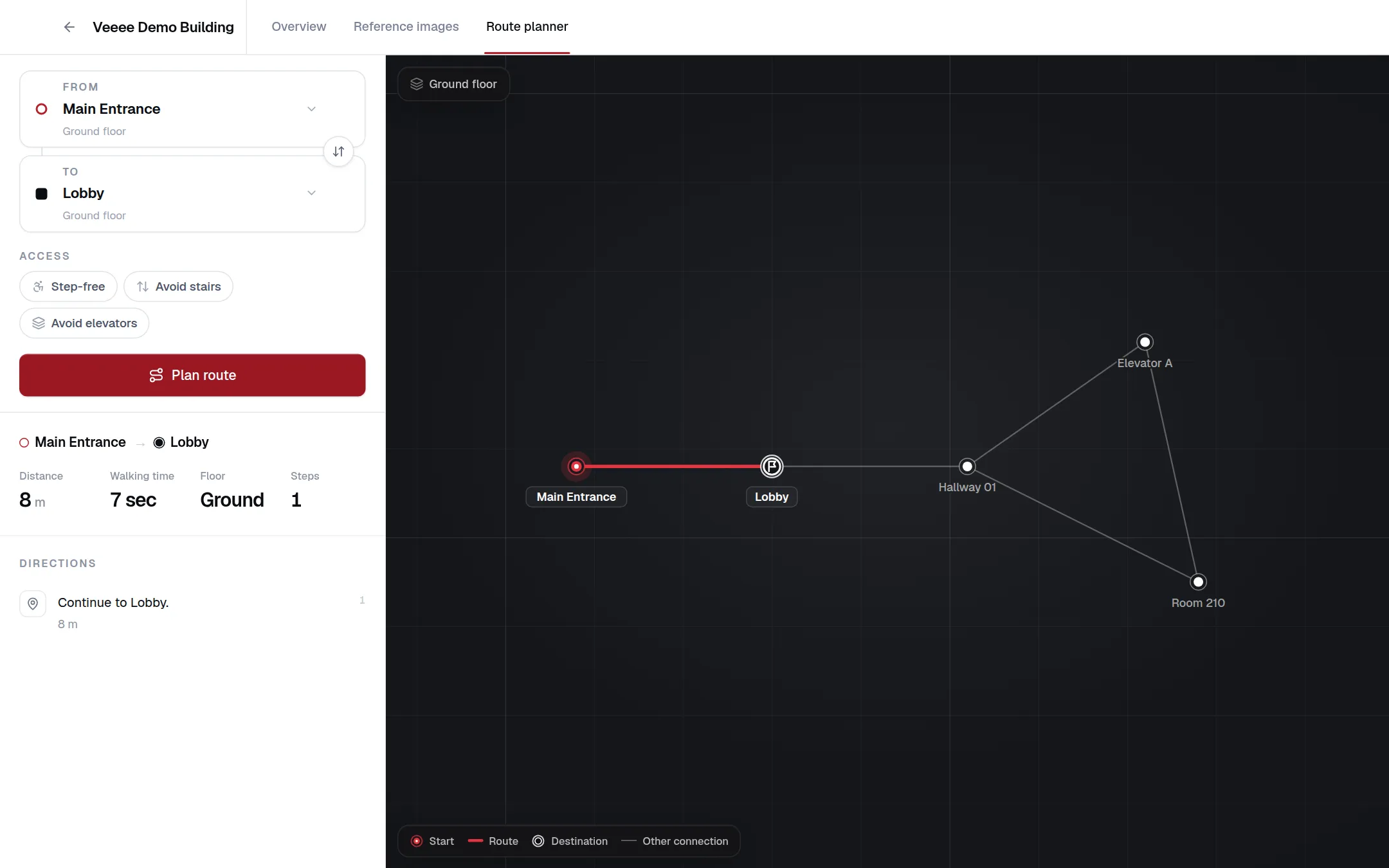
Use it to check that the main entrances reach the most requested destinations, that step-free routes exist where they should, and that the instructions read naturally. A missing or odd turn usually means a missing intersection location or a connection with the wrong distance.
The visitor preview
Preview on the Overview opens the same simulated walk as the public Preview: a fictional building, Harborview University Center, with no camera and nothing sent anywhere. It shows your team what visitors will experience and how instructions, voice and event notices behave. It does not load your map. The setup checklist marks Test navigation done once the preview has been opened or the map is published.
Testing your own building on site
Real camera recognition can only be tested on the published map, because visitor pages open published maps only. Publish the map with the access level Unlisted: nobody finds it without the link, and you can walk the building with a phone using Open navigation or the building link from Visitor access. Switch to Public once the walk-through is satisfactory, or stay Unlisted and share the link yourself.
What to check on site
- Recognition at every entrance within a few seconds, in daytime and evening lighting.
- A route to each frequently requested destination, with step-free alternatives where stairs exist.
- Instruction timing at turns: an early or late “Turn left now” points to a wrong connection distance.
- Floor changes announce the right floor and the right means (stairs or elevator).
- Destination requests in the words visitors use (“toilets”, “the cafe”, “Dr. Lee’s office”) resolve to the right place; add aliases where they do not. See Points of interest.