DocsFor organizations
Publishing a map and visitor access
Publish an indoor map, choose who can navigate it, and share building links, location QR codes and the website embed.
On this page
Publishing makes a map available to visitors. Choose Publish on the Overview of a draft map. Veeee then opens Visitor access so you can share the building straight away. Unpublish in More actions takes a map offline again without deleting anything.
Before you publish
- At least two locations and one connection exist, and the locations on main routes are Ready for routing.
- Every location visitors may start from has enough ready reference images; the readiness rail reads “Every location can be recognised from a camera.”
- Routes between the main entrances and the most requested destinations look right in the Route planner.
- The access level is Unlisted or Public. A published Private map is not reachable by visitors.
Visitor access
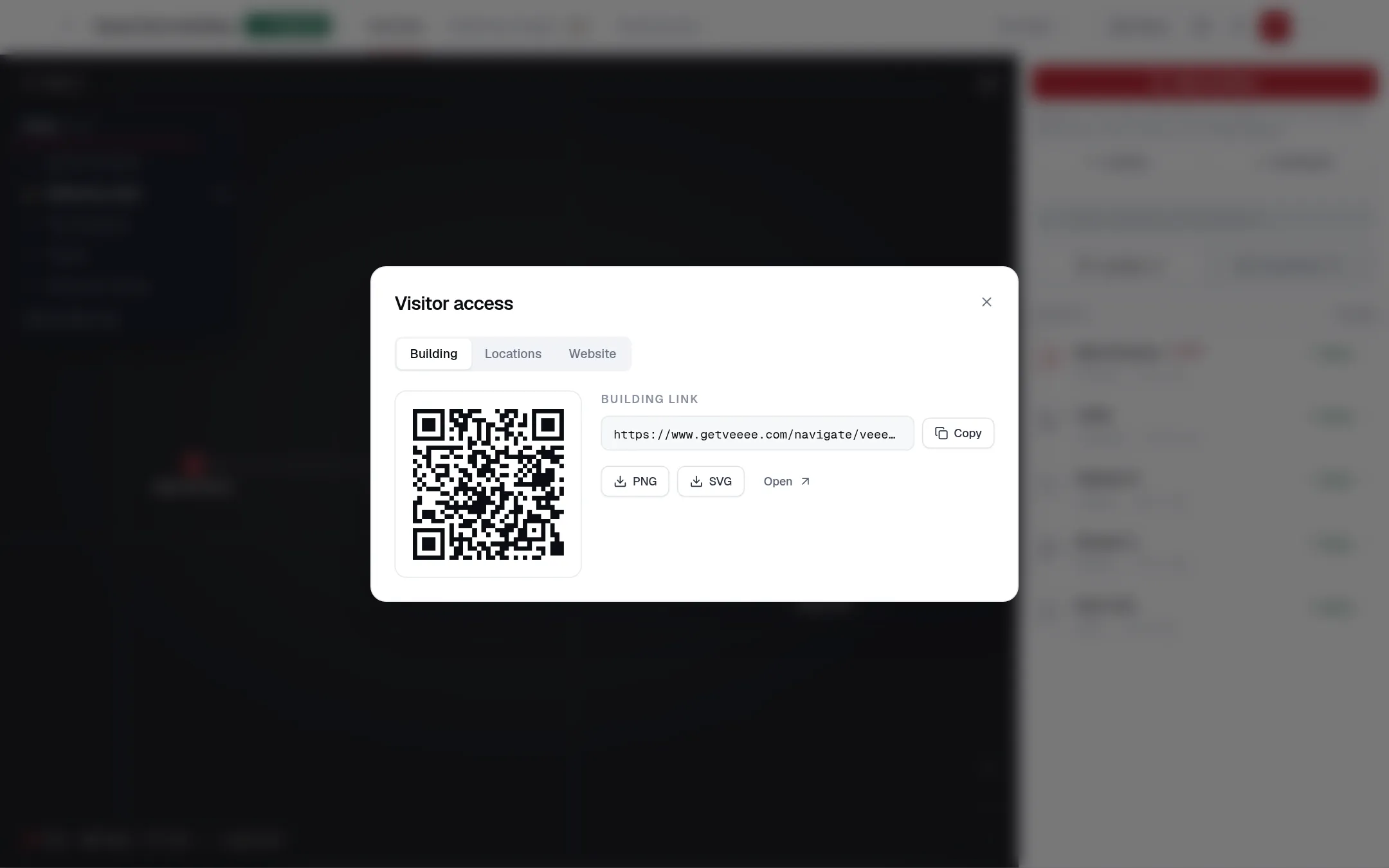
The Visitor access dialog has three tabs. Links start working once the map is published and not private; the dialog says so while that is not yet the case.
| Tab | What you get |
|---|---|
| Building | The building link /navigate/{organization}/{building} and its QR code as PNG or SVG. Visitors who open it are located by their camera. |
| Locations | A start link and QR code for each location, ?start={location}. A visitor who scans it is placed at that location without the first camera check. Put these at entrances, reception desks and elevator lobbies. |
| Website | An iframe snippet for /embed/{organization}/{building}: the destination chat in a 640 px tall widget. Choosing a destination opens navigation in a new tab, because browsers restrict the camera inside frames. |
After publishing
- Changes you save to locations, connections and reference images are used by the live map. There is no separate release step.
- Use Temporarily blocked on a connection during closures instead of deleting it.
- Events let owners and administrators attach time-bound notices to a location; visitors walking nearby are told about them. See Rerouting and events.